Tareef Core Softwareالعربية
Property management system

Your entire portfolio at a glance

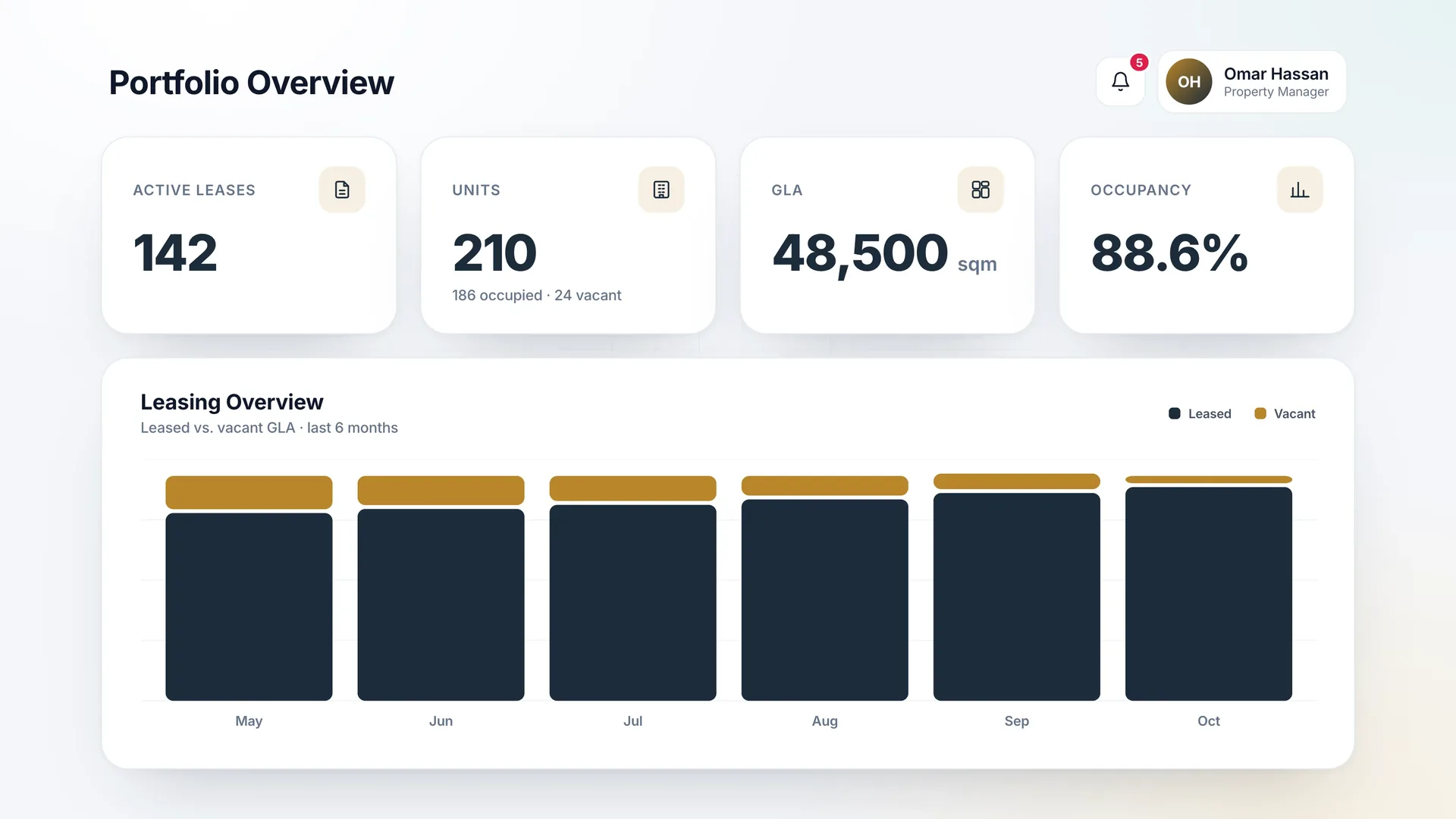
The dashboard brings the numbers that matter into one view: active leases, occupied and vacant units, total gross leasable area, and occupancy rate — with a leasing overview that shows how leased and vacant GLA has moved month by month.

Notifications and pending actions sit alongside the metrics, so nothing waits unnoticed.

Property management screen: Your entire portfolio at a glance
Pending actions

Know exactly what needs your decision

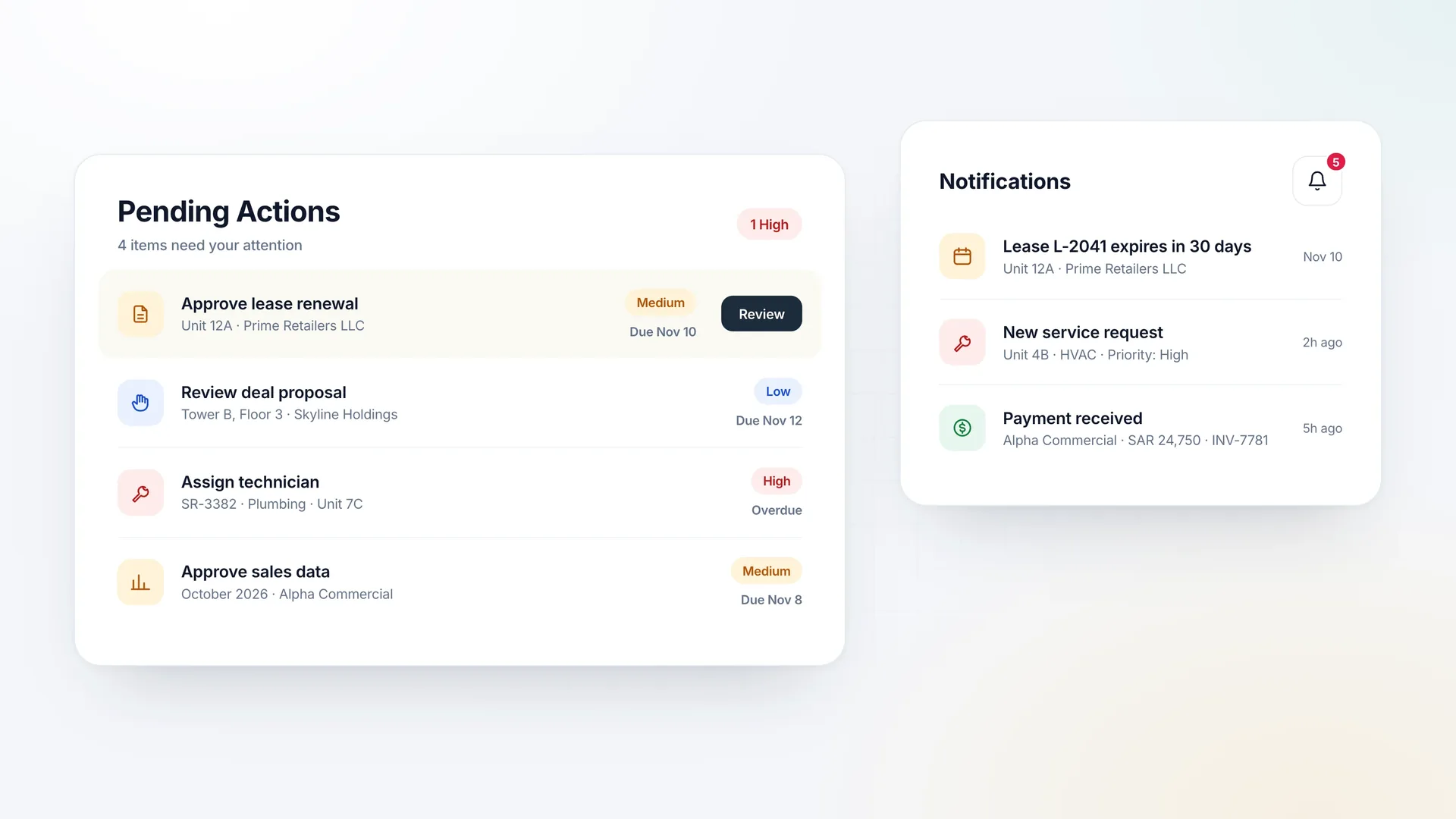
Lease renewals waiting for approval, deal proposals to review, service requests to assign, and sales data to approve are collected into a single list of pending actions, each with its priority and due date.

Notifications keep you informed about expiring leases, new requests, and incoming payments as they happen.

Property management screen: Know exactly what needs your decision
Service requests

Raise a service request in seconds

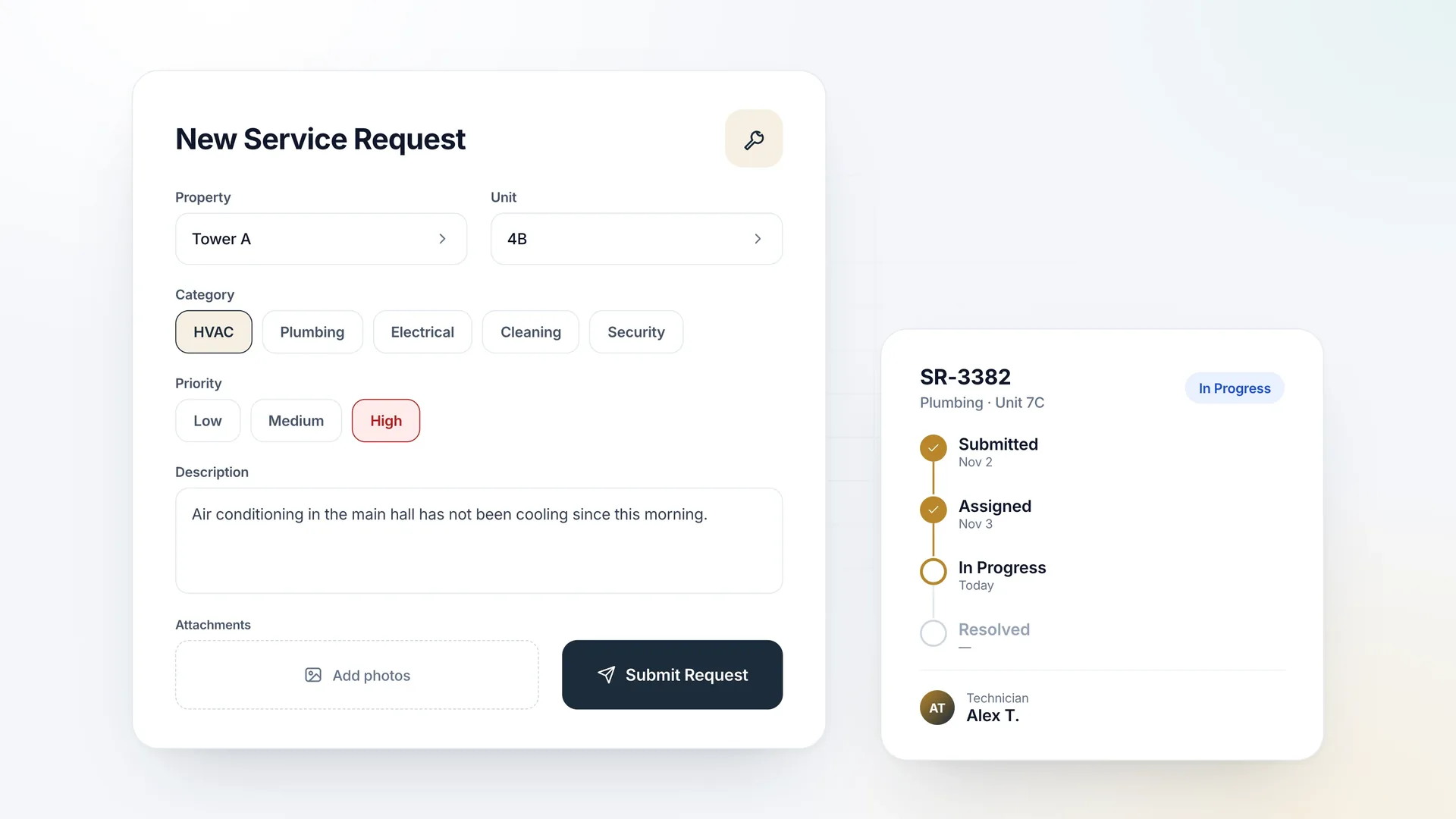
Select the property and unit, choose a category and priority, describe the issue, and attach photos. The request is created instantly and can be assigned to a technician from the same screen.

Each request moves through clear stages — submitted, assigned, in progress, resolved — so tenants and managers always know where it stands.

Property management screen: Raise a service request in seconds
Sales data

Tenant sales data, submitted and approved in one place

Tenants submit monthly sales figures in three ways: manual entry with supporting proof, a downloadable template they fill in and upload, or a direct API integration with their point of sale. The system validates every entry before submission.

Pending, submitted, and approved data are tracked in clear tabs, and approved figures feed the sales chart for each lease.
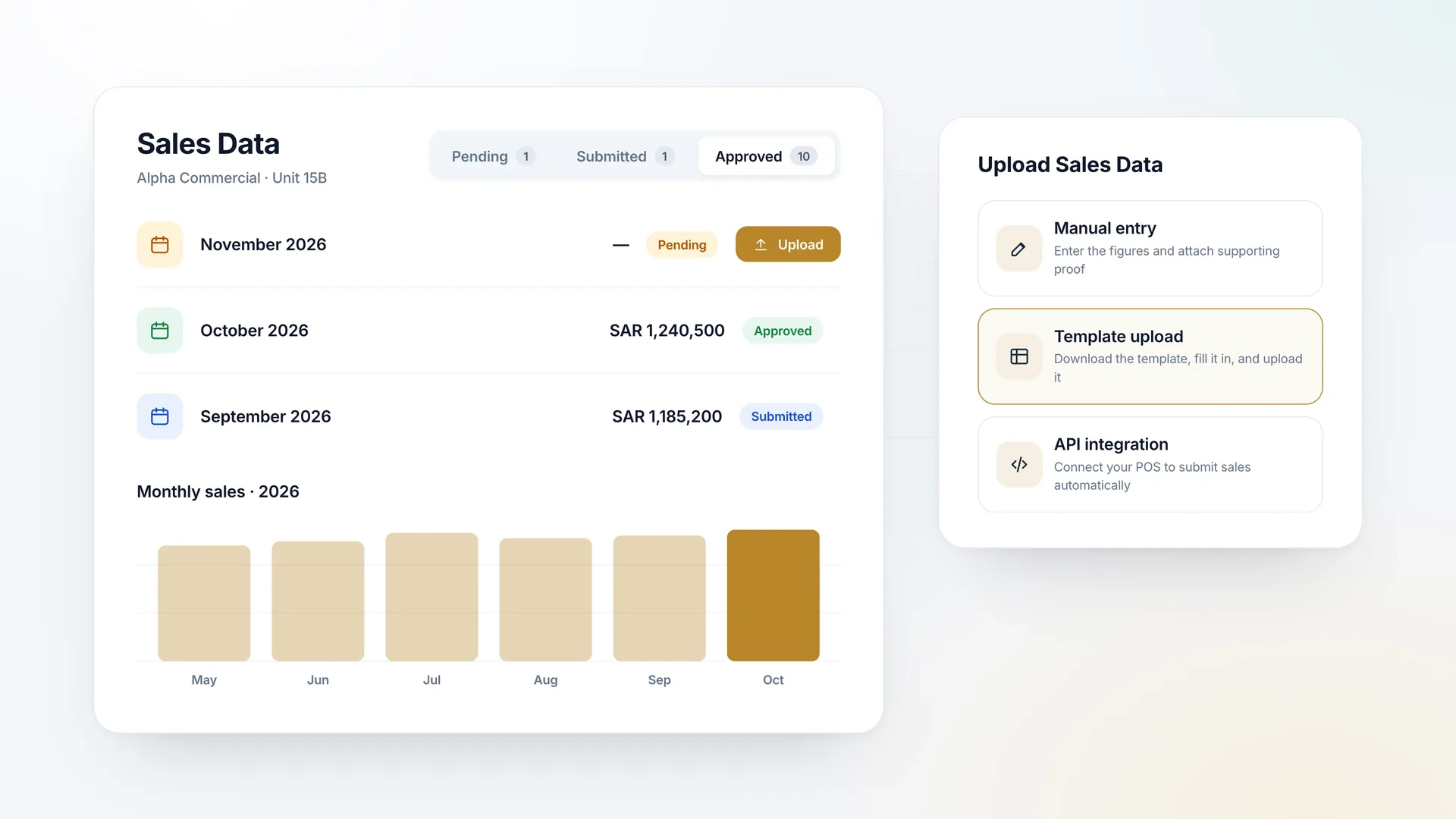
Property management screen: Tenant sales data, submitted and approved in one place
Leasing and deals

Follow every deal from inquiry to signature

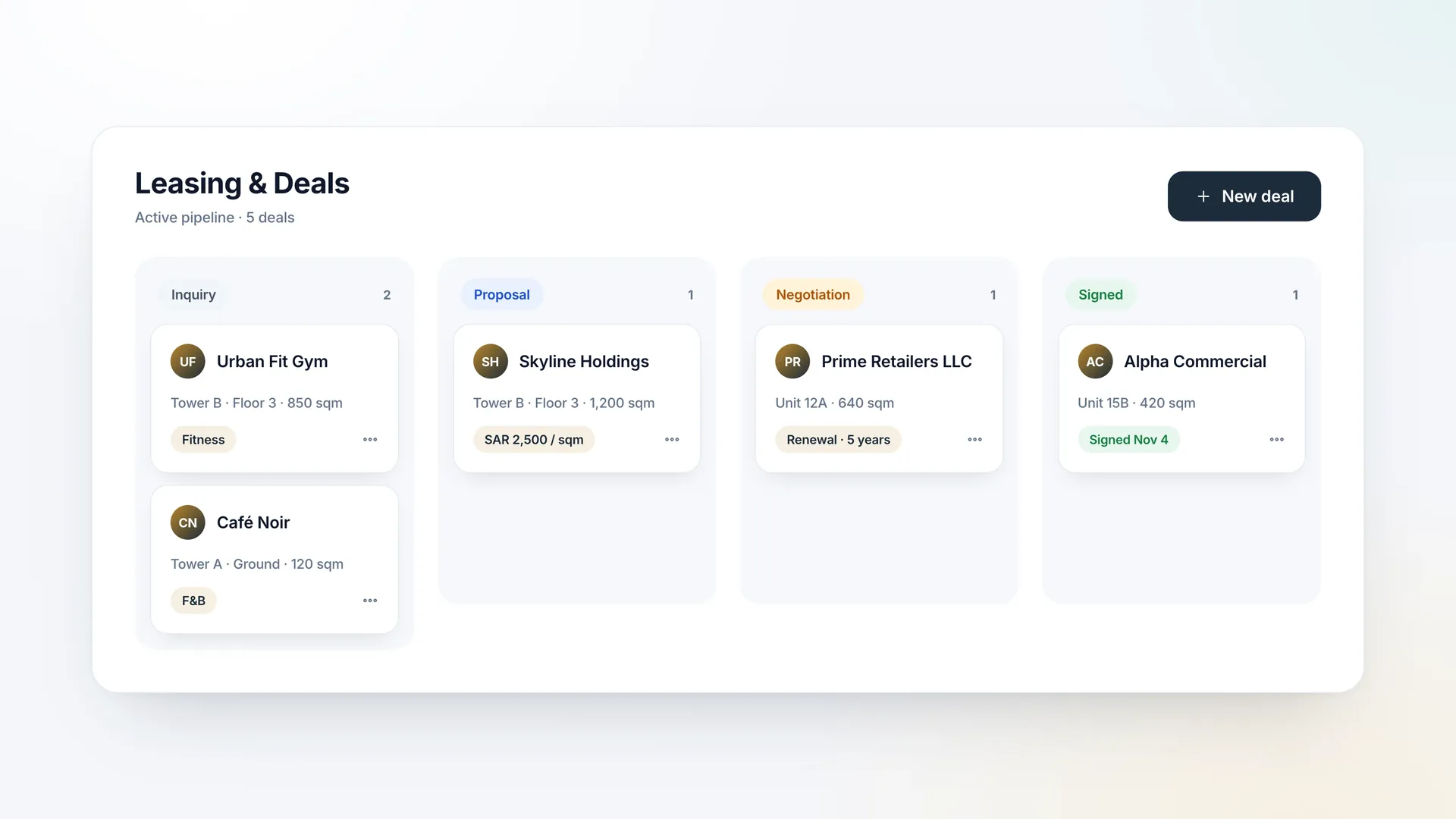
Leasing opportunities move through a clear pipeline — inquiry, proposal, negotiation, and signed — with the unit, area, and commercial terms visible on every deal card.

Renewals and new leases are managed side by side, so the leasing team always sees what is in motion.

Property management screen: Follow every deal from inquiry to signature
Finance

Finance that stays on schedule

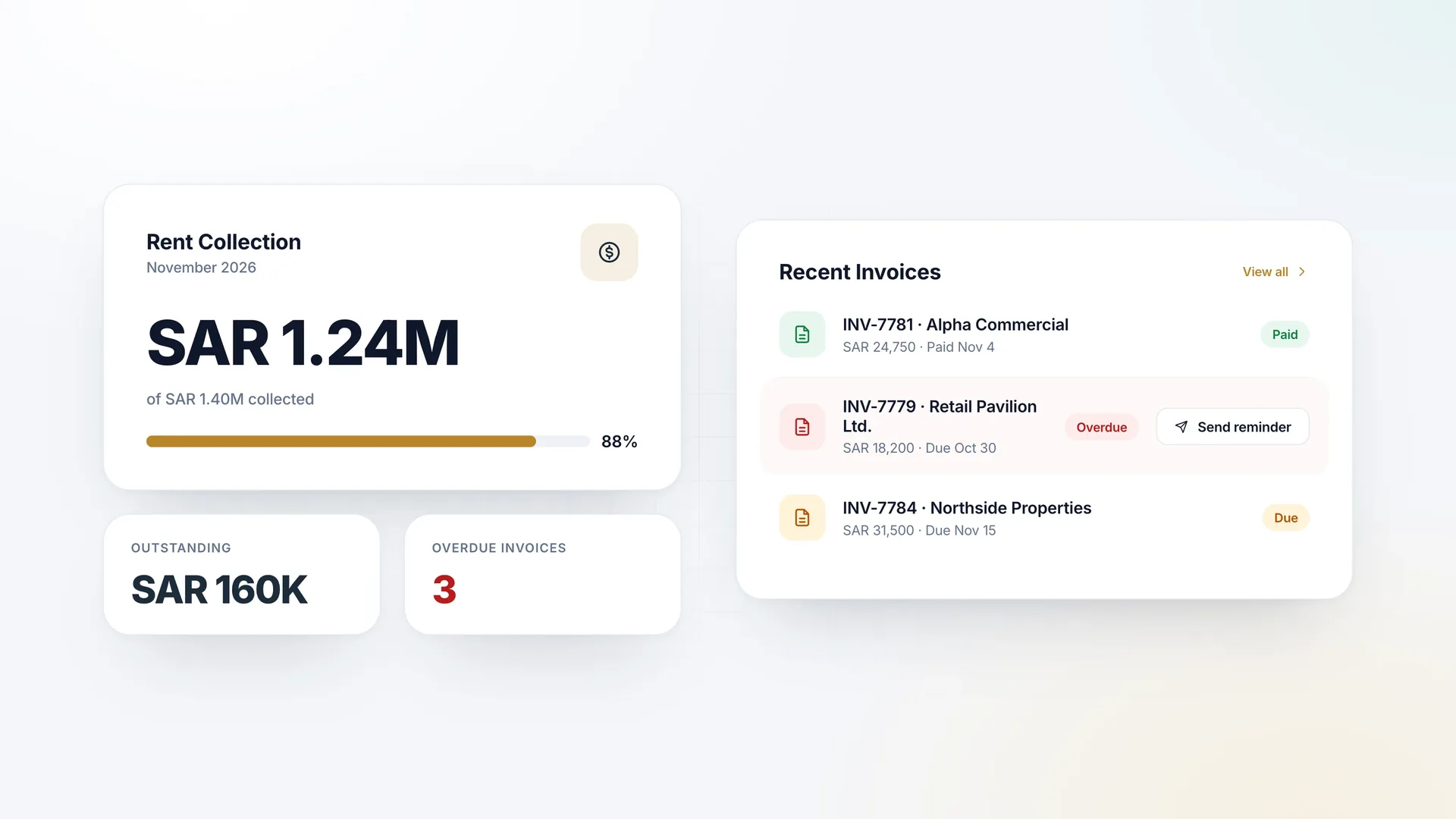
Track rent collection against the monthly target, see outstanding and overdue amounts at a glance, and follow each tenant invoice from issue to payment.

Overdue invoices are highlighted so reminders can be sent before small delays become collection problems.

Property management screen: Finance that stays on schedule
Communication center

One channel between you and your tenants

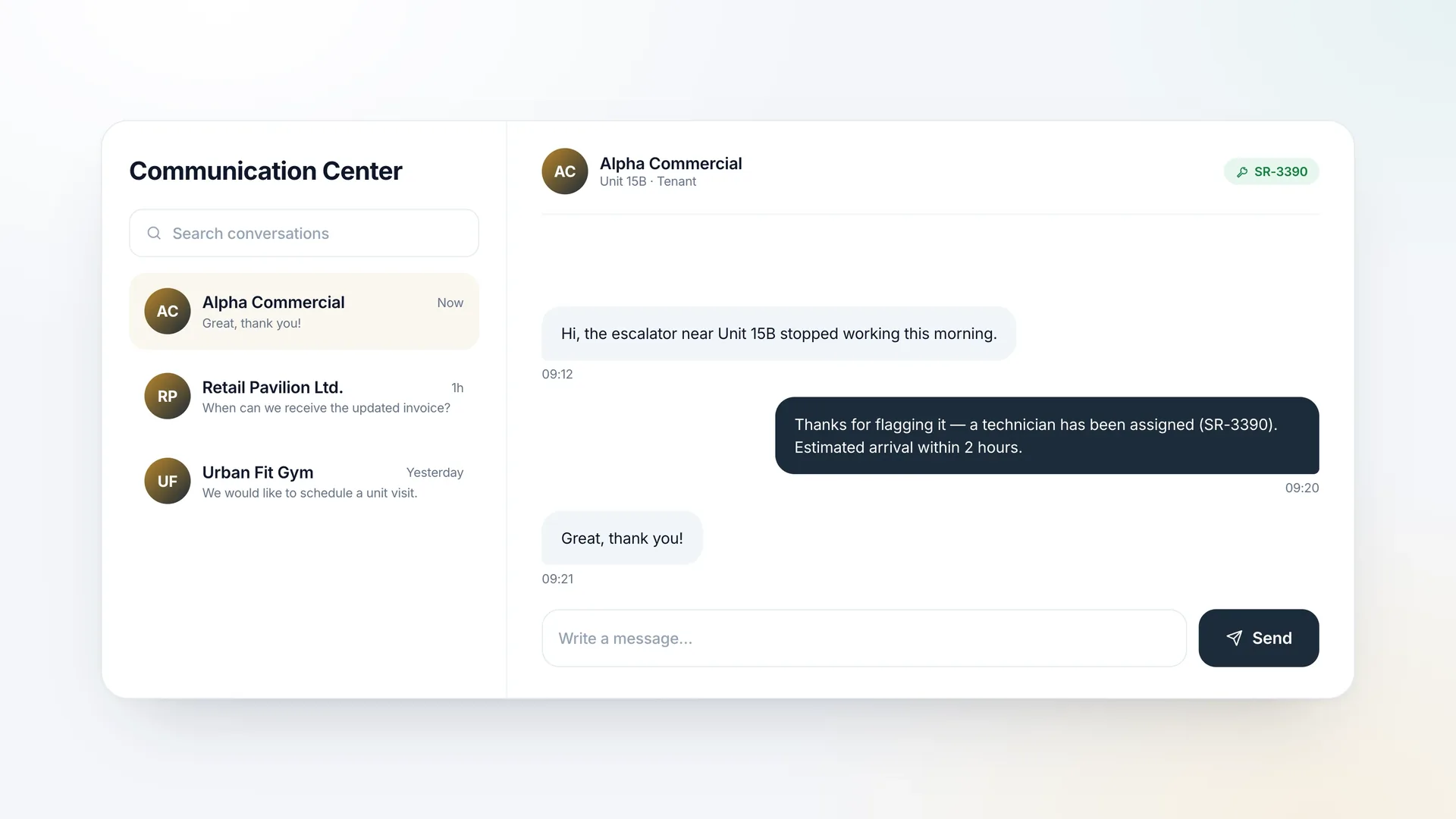
The communication center keeps every tenant conversation in one place. Messages, follow-ups, and related service requests are linked, so the property team responds quickly and nothing is lost in email.

Property management screen: One channel between you and your tenants
User access

The right access for every role

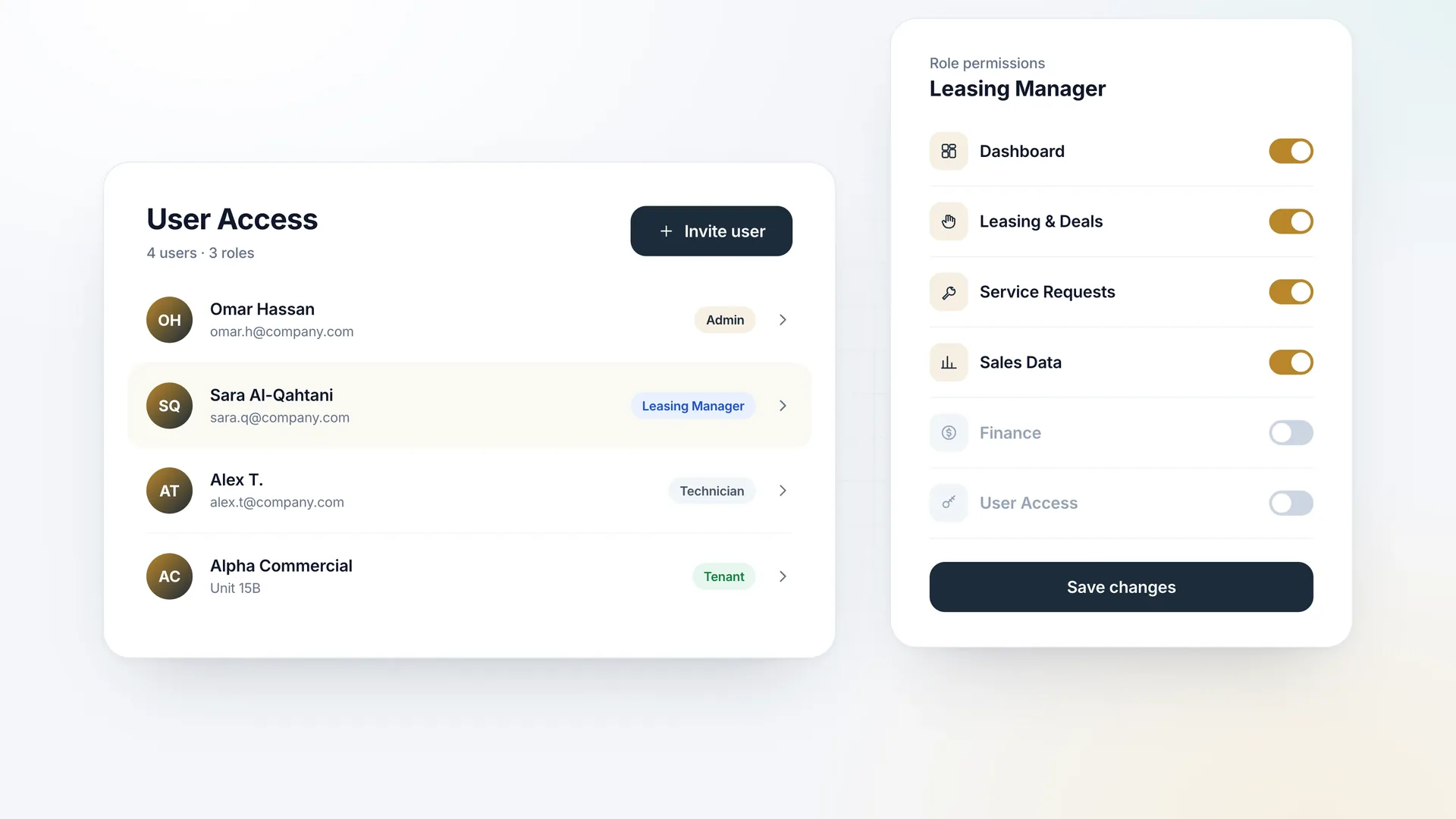
Administrators, leasing managers, technicians, and tenants each get access to the modules they need and nothing more. Permissions are managed per role, and new users are invited in a single step.

Property management screen: The right access for every role