Wa'i
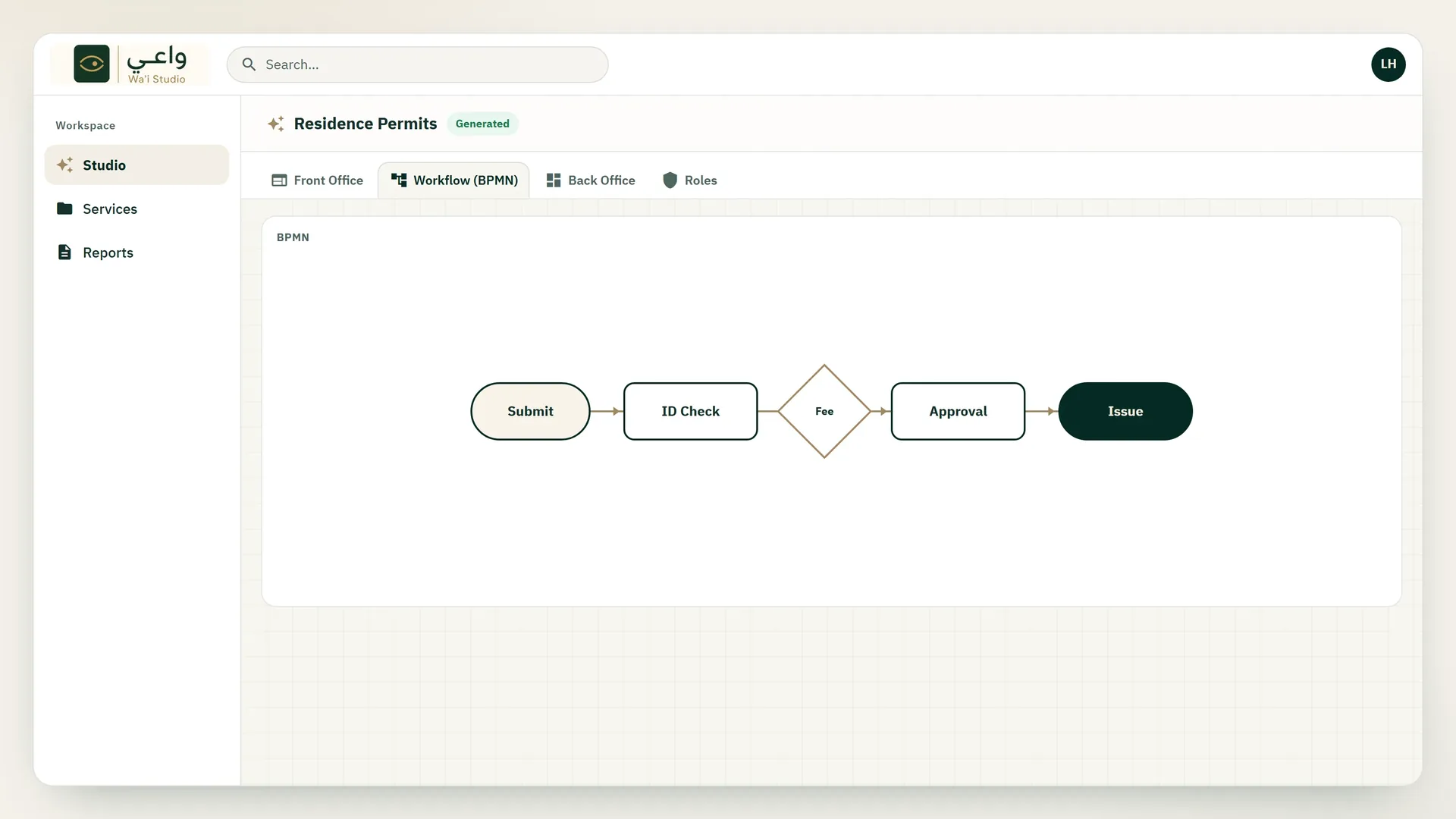
The workflow tab draws the service steps — submit, identity check, fees, approval, and issuance — as the path a request will follow.
Officers meet the same path later, when the request arrives in the back office.
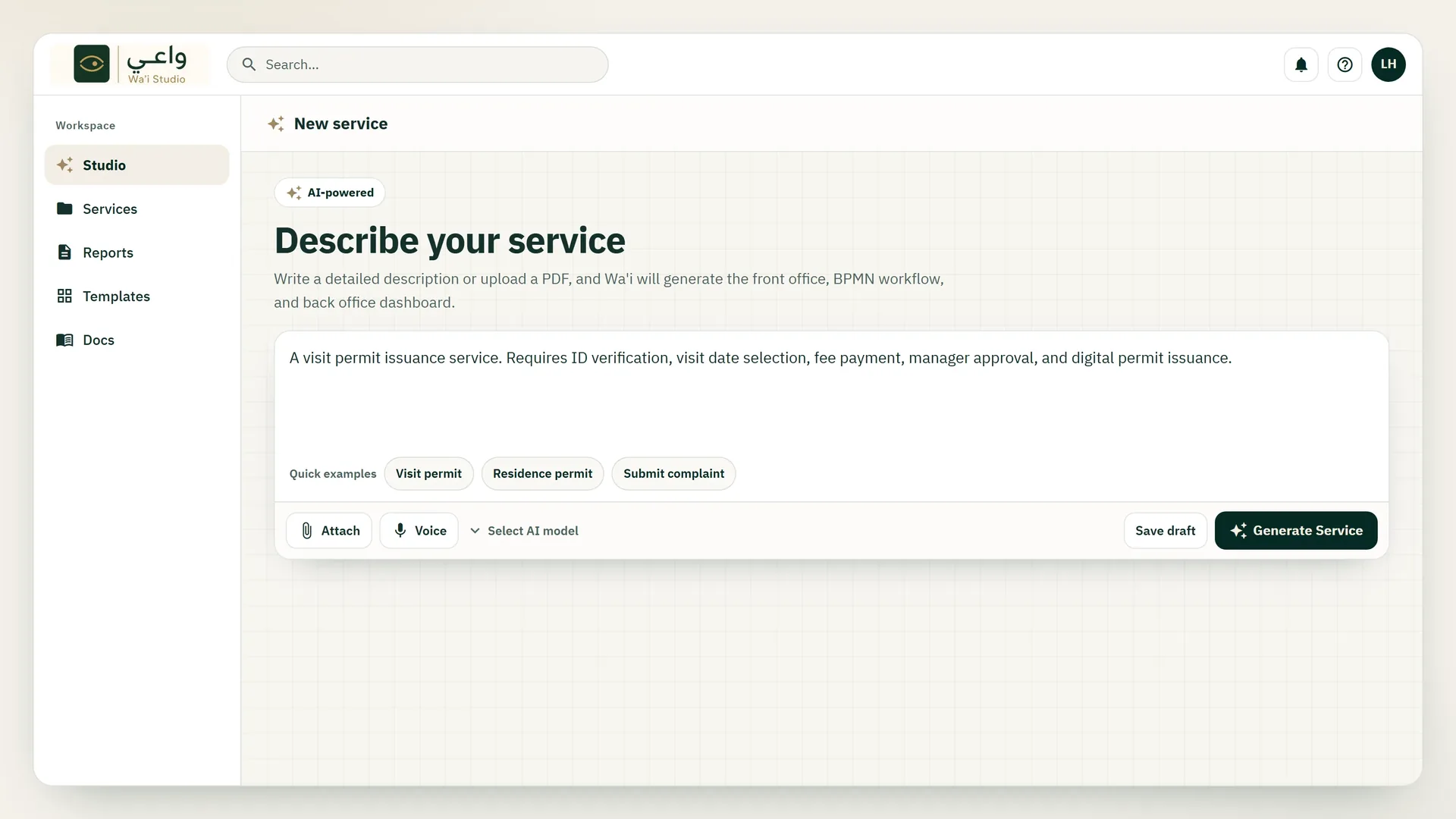
Write the service in everyday language, or attach a PDF. Studio turns that description into a front office, a BPMN workflow, and a back office.
Start from a ready example, keep the work as a draft, and come back to it later. The service stays out of the catalog until you deploy it.
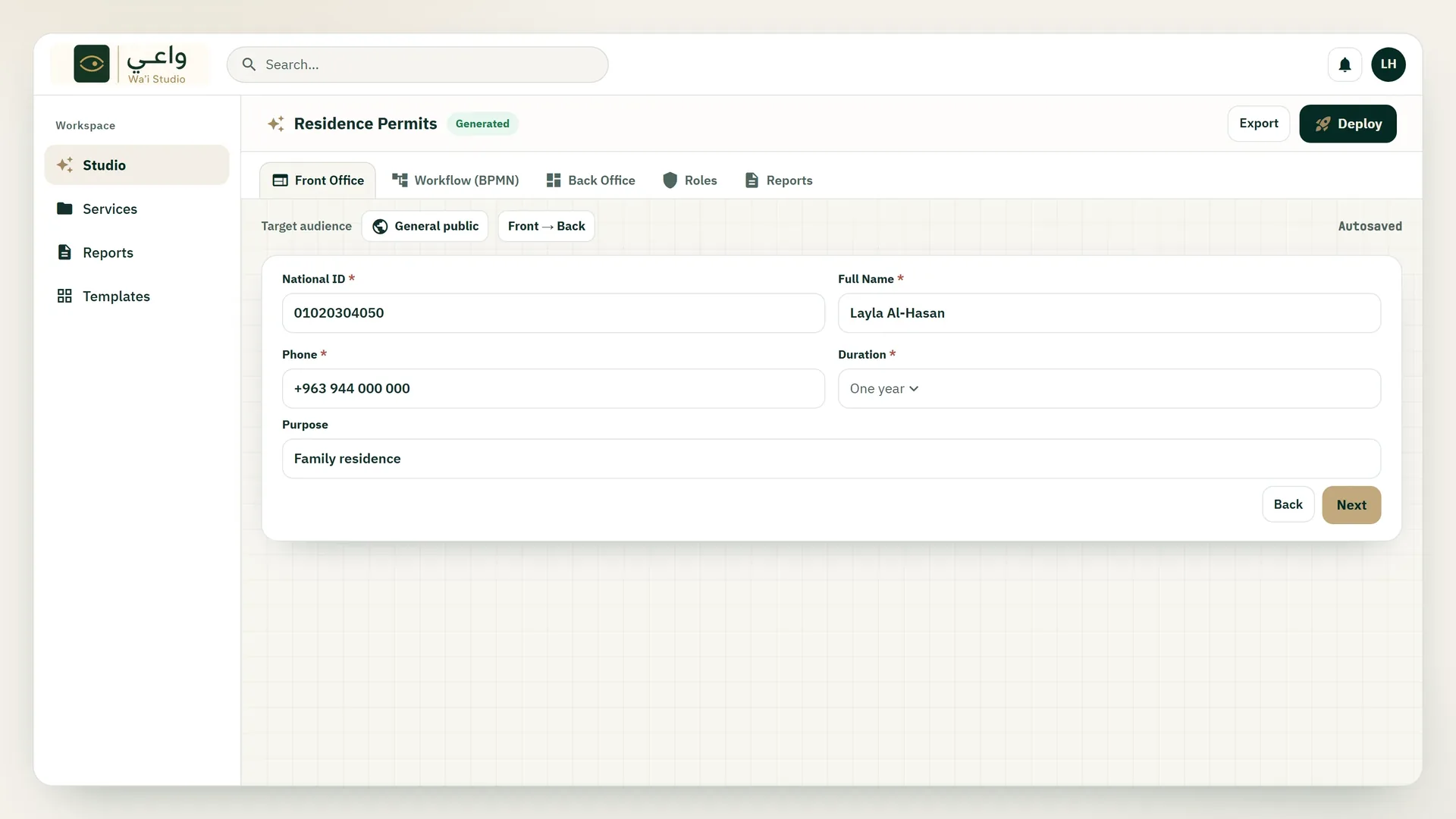
The Front Office tab shows the generated application: the fields the service needs, who it is for, and whether it starts in the front office and ends in the back office.
Export the bundle or deploy it when the draft is ready. Autosave keeps the definition while you move between sessions.
The workflow tab draws the service steps — submit, identity check, fees, approval, and issuance — as the path a request will follow.
Officers meet the same path later, when the request arrives in the back office.
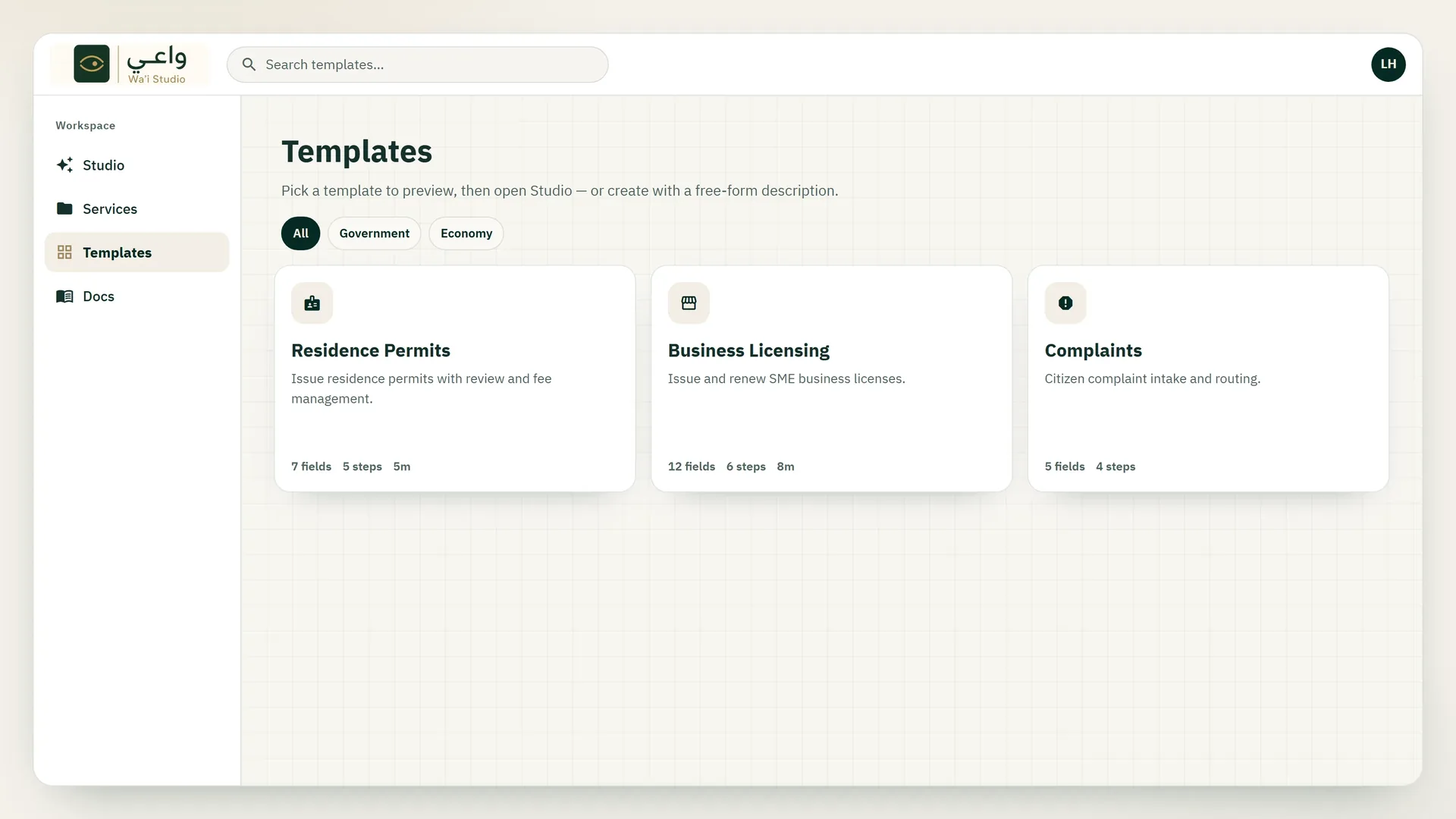
Templates already carry a service shape: residence permits, business licensing, and complaints, with their fields and steps listed on the card.
Preview a template and open it in Studio, or describe a different service from scratch.
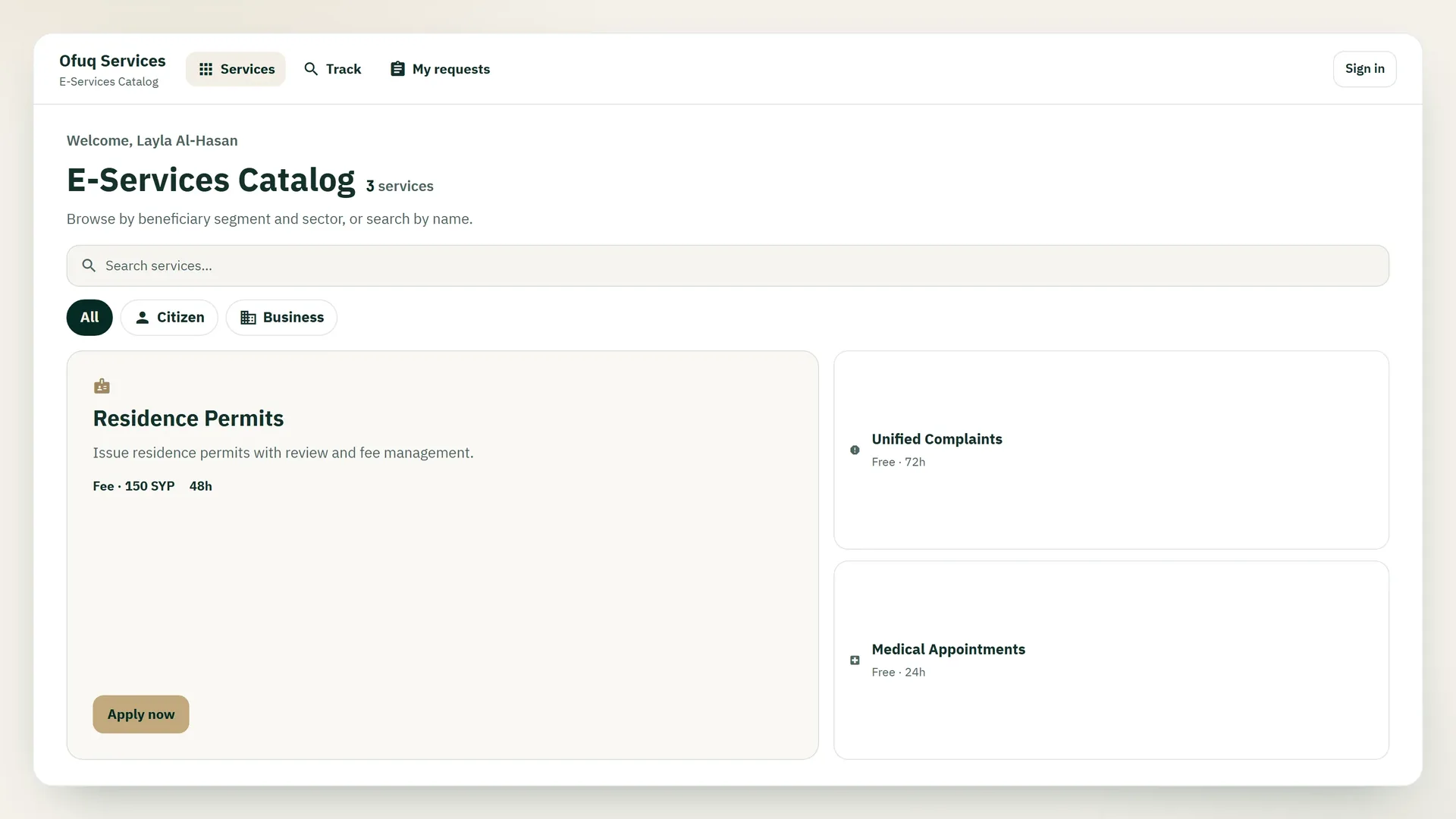
Deployed services appear in the public portal. Visitors search, choose who the service is for, and start an application.
Each card shows the fee and the processing time used by that service. A tracking code follows the request after it is submitted.
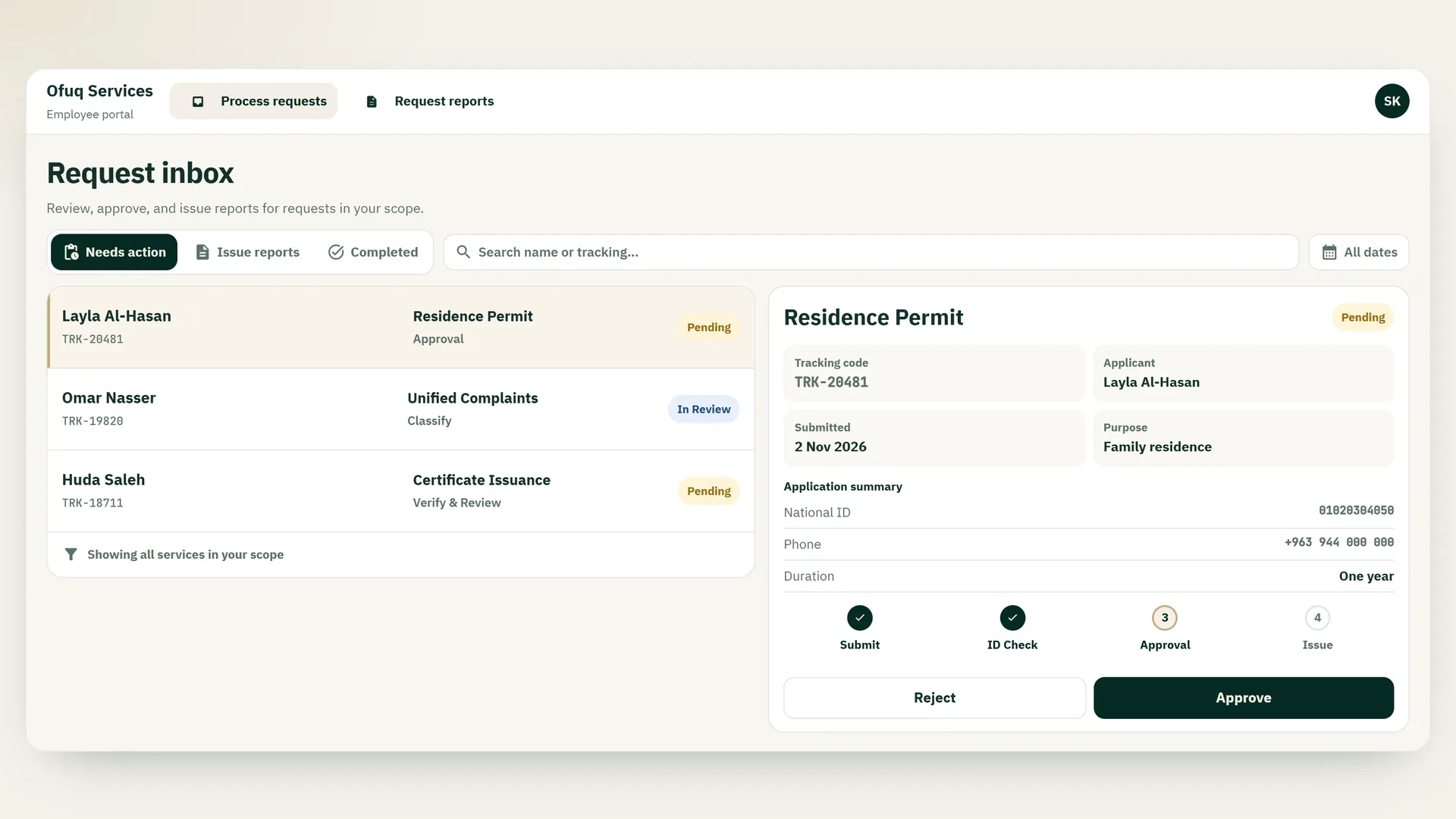
The employee inbox lists requests in scope, with the applicant, the service, and the status: pending, in review, approved, or rejected.
Open a request to see the tracking code, the current step, and when it was submitted — then approve or reject it.